
ePOS

A till that runs on whatever you already own

Tables, split bills, phone orders and refunds that need a PIN. Any device with a browser; every till in sync.

Key Capabilities

What the till does on a busy night
1
Sell fast, with the detail
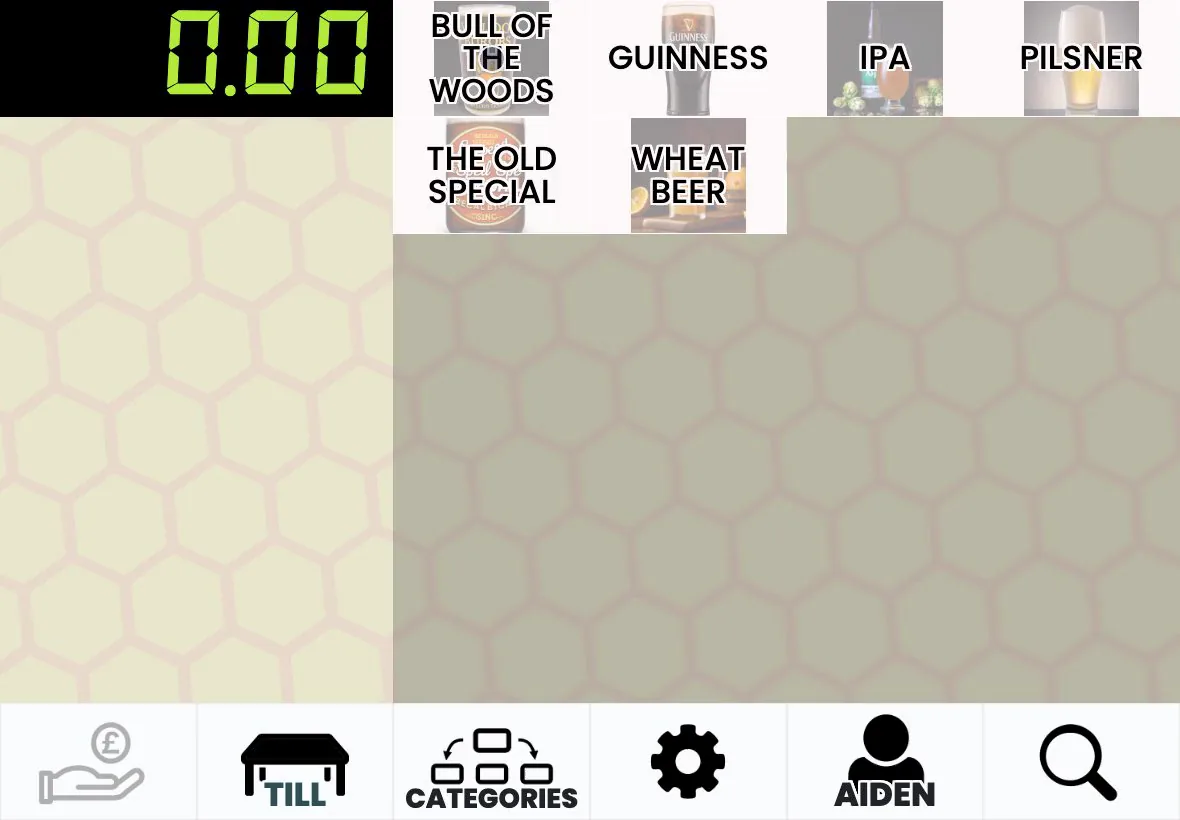
Full product names on the buttons, search that pages through every match, line notes like "no onions", and price overrides where staff are allowed them.
2
Run the floor
Zones and tables, customer bills before payment, moving a sale between tables, and a kitchen ticket that prints only once the card payment has succeeded.
3
Take orders by phone
Find or create the customer, warn if their address is outside the delivery radius, pick a slot up to seven days ahead, and the ticket prints like any other order.

Frequently Asked Questions

What payment methods does Omni Tend ePOS support?

Cash, card, bank transfer (BACS) and gift cards. For card you can use an integrated Stripe reader, which takes contactless, chip and PIN and phone wallets and records the result against the sale, or keep any standalone card machine and record the payment on the till. Bills can be split by item, and a full card refund needs an approver's PIN.

Can I use Omni Tend ePOS for table service?

Yes. Tables are organised in zones, a sale can be moved to another table, bills can be printed before payment and split by item, and orders go straight to the kitchen and bar printers. The Customer Tables screen shows the total on each table.

Related features

Payments
Stripe card readers with automatic reconciliation, or keep the card machine you have
Learn more >
Inventory
Stock by the metre, kilo or bottle, across stock rooms, with a history of every change
Learn more >
Kitchen Printing
Tickets routed by category to Star printers, and an order board that says what actually printed
Learn more >

See the till on your own hardware

Bring the tablet you already have to the demo. If it has a browser, it is a till.