
Task Tracking

The checks done, and the proof

Recurring checks by business unit, photo evidence, honest backdated sign-off and a daily report of what was completed.
The record

What the inspector asks to see

The problem: The fridge sheet has a gap on the Tuesday nobody remembers, and the cleaning rota is a laminated card with no names on it.
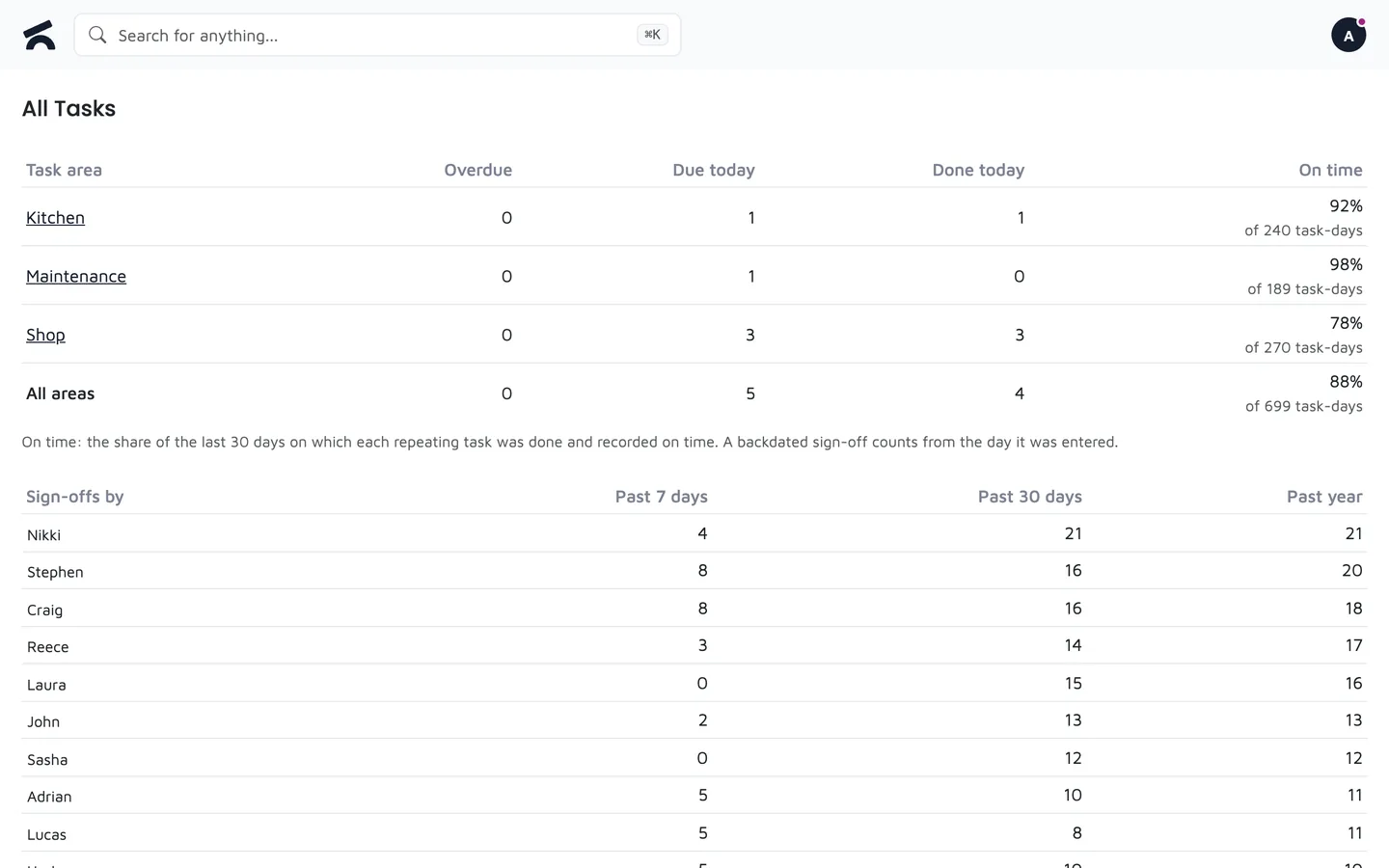
  • On-time share per area over the last 30 days, with the gaps counted, not hidden.
  • Sign-offs by person, this week, this month and this year, so you know who actually does the checks.
  • A log of every completion with the time, the comment and the photo, backdated ones marked as such.

Key Capabilities

Checks done and proved
1
Set the tasks
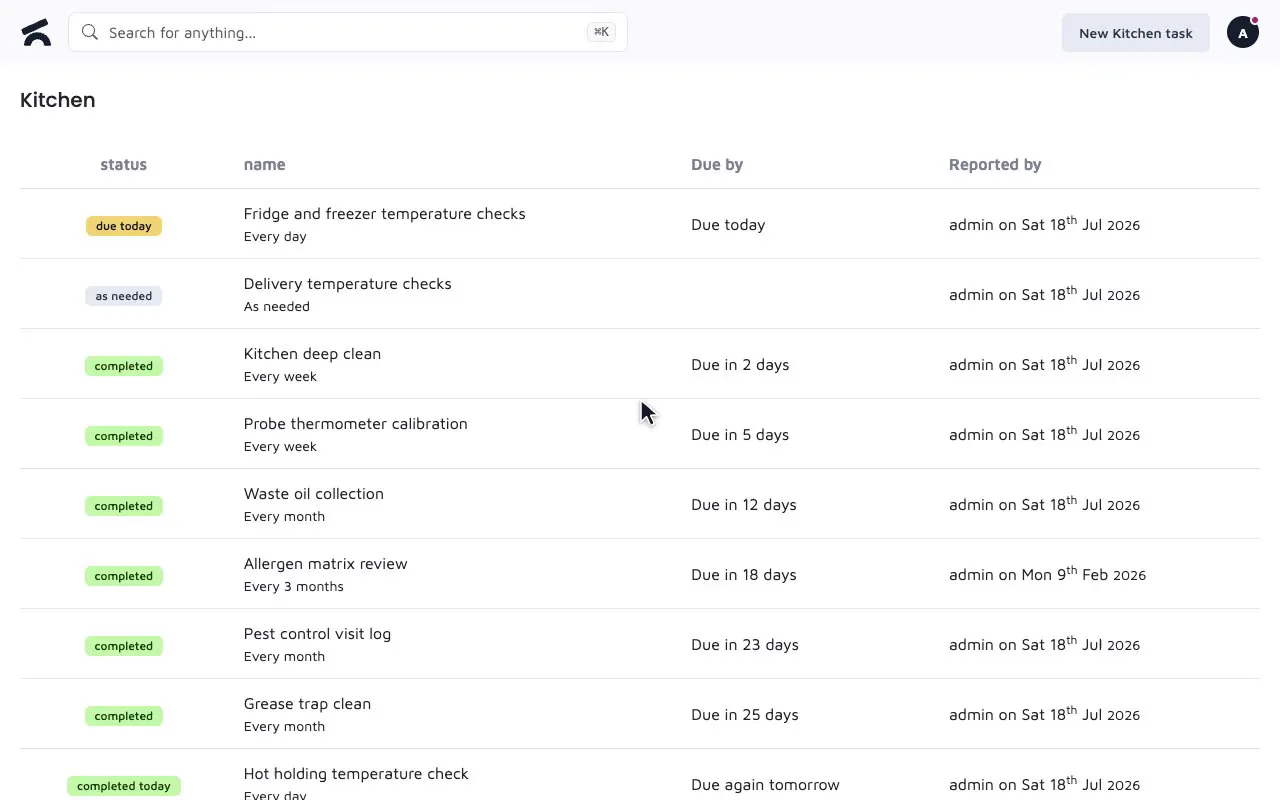
Create tasks on a business unit's page, daily or on chosen days, and archive a unit without losing its history.
2
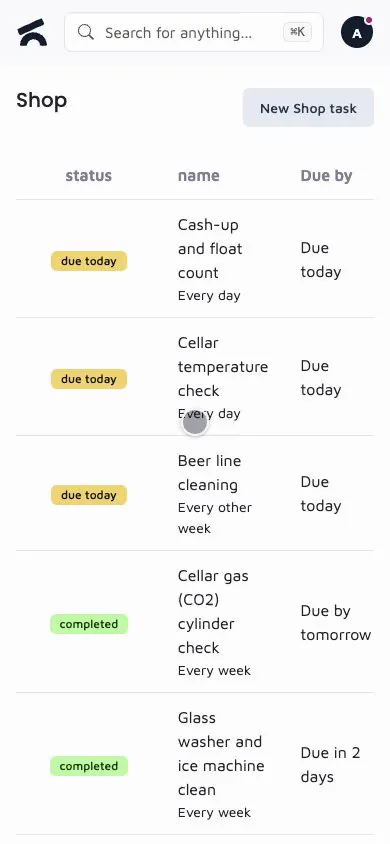
Complete them on a phone
Staff tick the task and attach photos; the daily report lists what was completed.
3
Show the record
The task log, the completed tasks report and training sign-offs give an inspector a plain answer.

Frequently Asked Questions

Can I use task tracking for food hygiene compliance?

Yes. Set up recurring checks per business unit, daily or on chosen days, for temperatures, cleaning and the rest. Staff complete them with up to five photos, and the completed tasks report and task log give you a plain record to show an inspector.

How do staff know what tasks are due?

Each business unit has its own tasks page listing what is due. The daily report emails managers what was completed and what is overdue, and the Task Manager shows completion across the business.

Related features

Staff
Rotas from templates, holidays with blocked periods, training signed off with a PIN
Learn more >
Purchasing
Purchase orders built from what needs reordering, received against delivery
Learn more >
Reporting
Sales totals, sell-through with dead stock flagged, staff sales, Z-reports and a daily email
Learn more >

Run your checks on a phone

See a fridge temperature check done in the demo.